Screen time that ends the same calm way every time
For many autistic children, the hardest part of screen time is the end. Here is how Liquid Pond lets your child see the end coming, and what follows it.
30 activities are free for good, with no sign-up and no card. Nothing tracks your child.
Why the end is the hard part
A game that stops without warning takes something away all at once. "Five more minutes" is hard to picture, and a screen that goes dark gives no idea of what comes next. Often the hard part is not losing the game. It is the surprise.
So we built the ending first. It is the same short scene every time, it never races your child, and it always shows one picture of what happens next.
How play ends, step by step
- You set the play time. In the grown-up area, behind a PIN, pick 5, 10, 15, 20 or 30 minutes before you hand over the screen. Your child cannot change it.
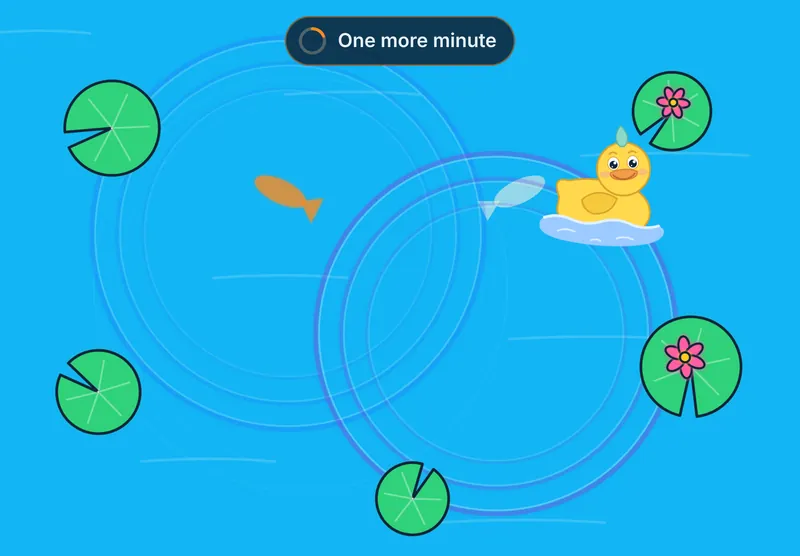
- Two gentle warnings. A small sign says "One more minute", with a ring that shows the time left. Ten seconds before the end it says "Almost done". There is no alarm.
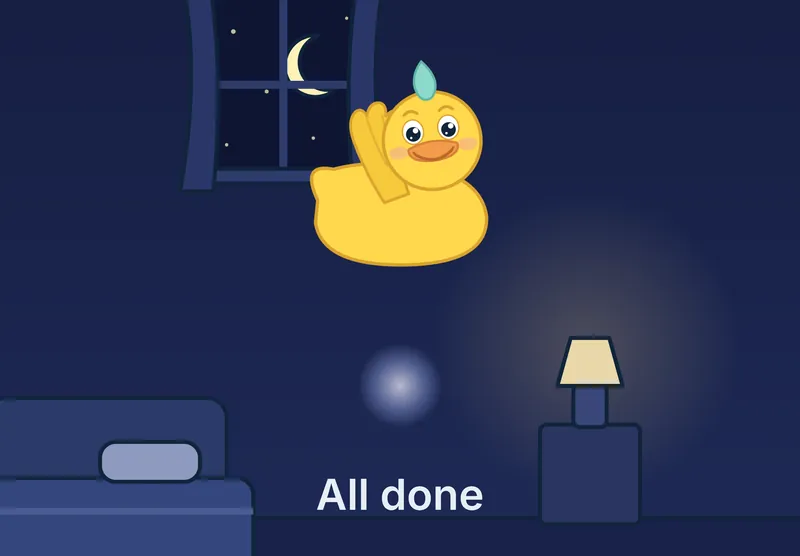
- Puddle's goodbye. Puddle the duck floats in and waves, a soft chime plays, and "All done" shows. The light takes one slow breath with your child. With the voice on, Puddle says "All done feels okay." The scene lasts about 18 seconds, and nothing on the screen can be tapped while it plays.
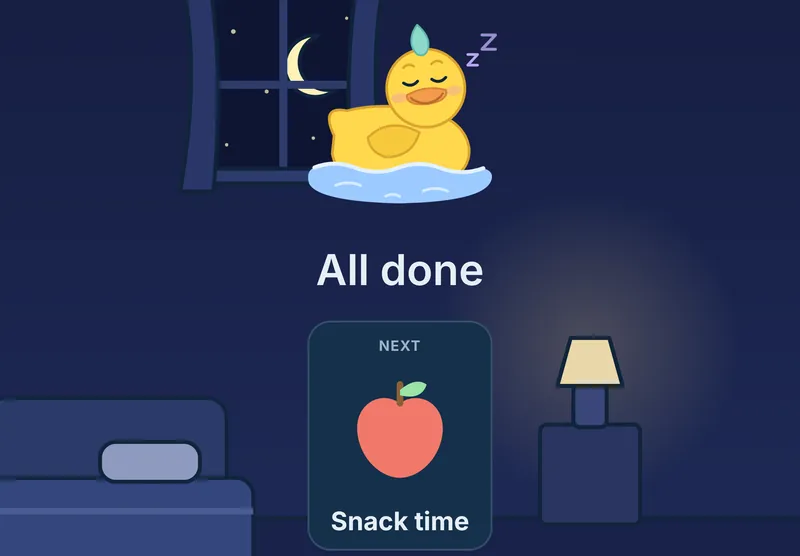
- What comes next. Puddle settles down for a nap, and a picture card shows the next thing: the calm corner, snack time, lunch, a book, bath, bed or a hug. You pick it in the same place you set the time.
My Day: the whole day in pictures
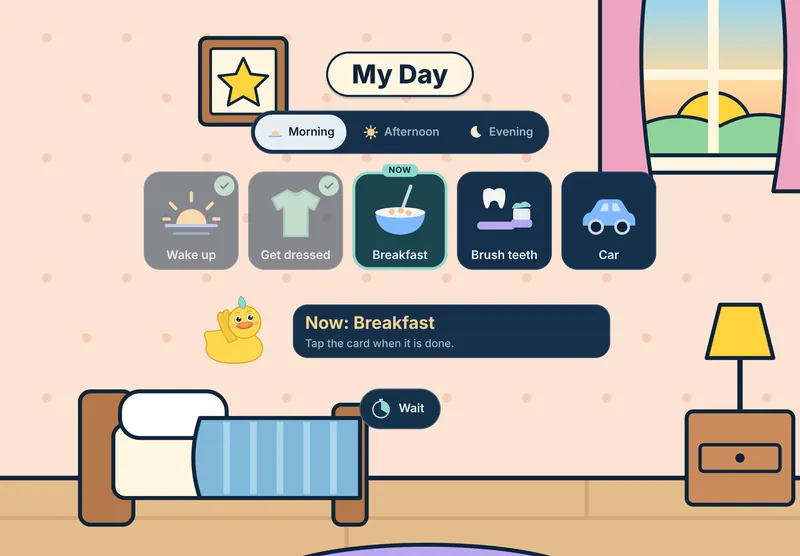
My Day is a picture schedule your child opens from the home screen. You pick the cards for the morning, the afternoon and the evening, and your child taps each card when it is done, so the screen sits inside the day instead of outside it. Inside My Day is Wait, a calm timer: a disc that shrinks over 1 to 5 minutes, for the moments between two things.
More ways to set the limits
- Minutes a day. Set the most play in one day, across every session. At the cap Puddle says goodbye, and the games rest until tomorrow.
- Step down. Takes 10 minutes off the daily cap each week, down to 15 a day, for a family that wants to cut back slowly.
- First, then. Before games can put a book or five math problems first. Breathe is always open, whatever you choose.
- Stay in one activity. Hides the home button, so a child who finds switching hard stays with one thing until the end.
Tips that help at home
- Set the time before the screen comes out, so the limit is part of the plan from the start.
- Use the same words every time: "When Puddle waves, we are all done."
- Pick a next picture your child can go to right away. A snack or the calm corner works better than "nothing".
- Keep the promise. When Puddle says goodbye, play is over, so the ending keeps meaning something.
- Start with short times, so your child sees the ending many times and learns that it is always the same.
Liquid Pond is a calm activity. It does not replace therapy, and every child is different, so watch what helps yours. You can read more in our guide to using a visual timer.
Printables to go with it
The Calm Corner Starter Kit has a first-then board and a calm-down routine in pictures, to match the screen's ending on paper. The calm-down card pack is free.
See the printables, two packs free and one kit for $9. More reading: all guides.